> ## Documentation Index
> Fetch the complete documentation index at: https://docs.nurmo.app/llms.txt
> Use this file to discover all available pages before exploring further.
# Introduction
> Welcome to NurmoAI API Docs
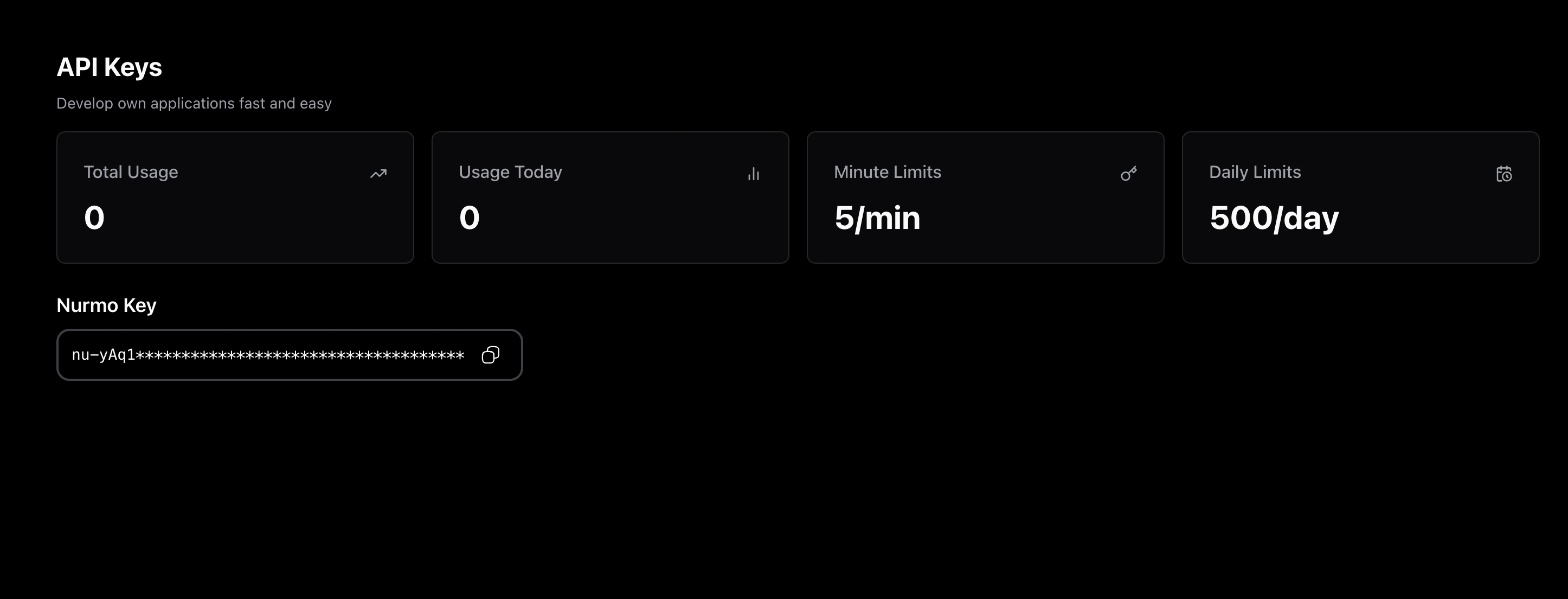 ## Installation
**Prerequisite** You should have API key to use NurmoAI API.
```bash npm theme={null}
npm i nurmoai
```
```bash pip theme={null}
pip i nurmoai
```
## Usage
```javascript NodeJS theme={null}
const NurmoAI = require("nurmoai");
const nurmo = new NurmoAI({
apiKey: process.env['NurmoAI_KEY'], // This is the default and can be omitted
});
async function Main() {
const aiResponse = await nurmo.createCompletion({
messages: [{ role: "user", content: "Say this is a test" }],
model: "nurmo-3",
character: "Batman"
});
console.log(aiResponse);
}
Main()
```
```python Python theme={null}
from nurmoai import NurmoAI
nurmo = NurmoAI(api_key="your_NurmoAI_api_key")
def main():
ai_response = nurmo.create_completion(
messages=[{"role": "user", "content": "Say this is a test"}],
model="nurmo-3",
character="Villain"
)
print(ai_response)
if __name__ == "__main__":
main()
```
```bash cURL theme={null}
curl -X POST 'https://api.nurmo.app/chat/completions'
-H 'Authorization: YOUR_API_KEY'
-H 'Content-Type: application/json'
-d '{"model": "nurmo-3", "messages": [{"role": "user",
"content": "Hello, how are you?"}], "character": "YOUR_CHARACTER"}'
```
## Installation
**Prerequisite** You should have API key to use NurmoAI API.
```bash npm theme={null}
npm i nurmoai
```
```bash pip theme={null}
pip i nurmoai
```
## Usage
```javascript NodeJS theme={null}
const NurmoAI = require("nurmoai");
const nurmo = new NurmoAI({
apiKey: process.env['NurmoAI_KEY'], // This is the default and can be omitted
});
async function Main() {
const aiResponse = await nurmo.createCompletion({
messages: [{ role: "user", content: "Say this is a test" }],
model: "nurmo-3",
character: "Batman"
});
console.log(aiResponse);
}
Main()
```
```python Python theme={null}
from nurmoai import NurmoAI
nurmo = NurmoAI(api_key="your_NurmoAI_api_key")
def main():
ai_response = nurmo.create_completion(
messages=[{"role": "user", "content": "Say this is a test"}],
model="nurmo-3",
character="Villain"
)
print(ai_response)
if __name__ == "__main__":
main()
```
```bash cURL theme={null}
curl -X POST 'https://api.nurmo.app/chat/completions'
-H 'Authorization: YOUR_API_KEY'
-H 'Content-Type: application/json'
-d '{"model": "nurmo-3", "messages": [{"role": "user",
"content": "Hello, how are you?"}], "character": "YOUR_CHARACTER"}'
```